Understanding Web Accessibility: Why It Matters for User Experience
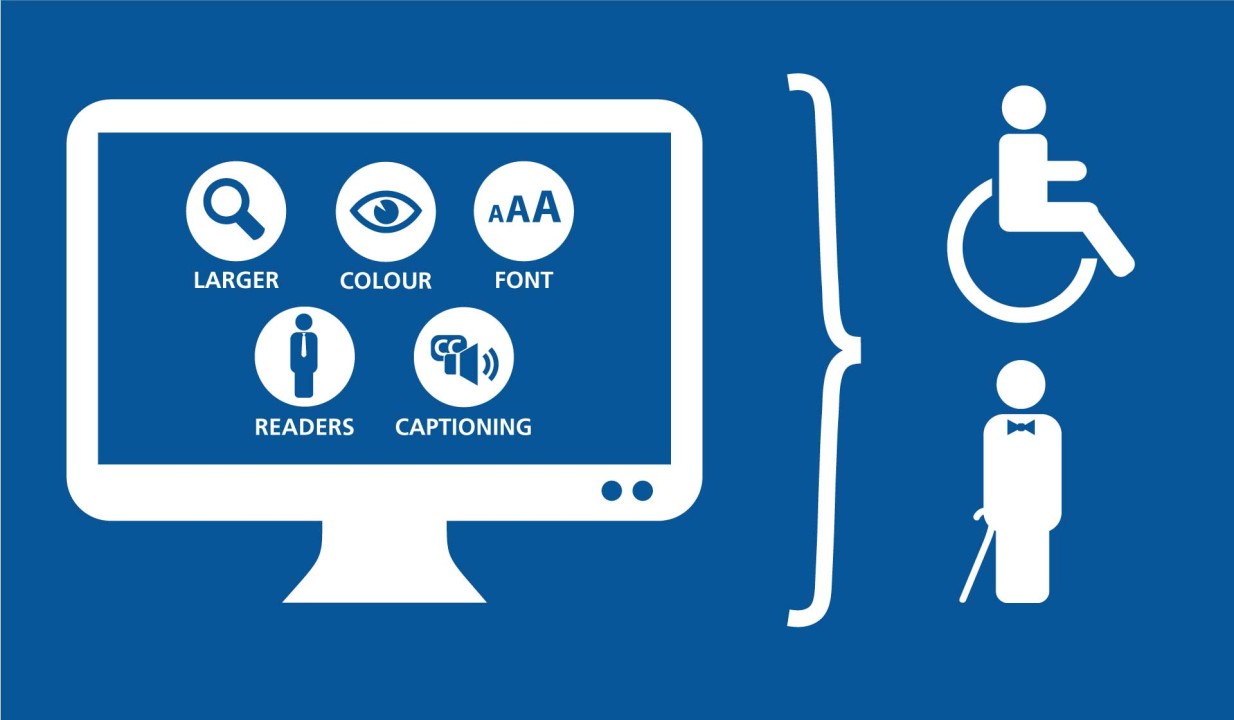
Web accessibility is the practice of designing websites that are usable by everyone, including individuals with disabilities. This includes considerations for those with visual, auditory, cognitive, or motor impairments. For example, implementing features such as alternative text for images and keyboard navigation ensures that your website is navigable and informative for all users. By prioritizing accessibility, you not only comply with legal standards but also widen your audience, enhance usability, and ultimately improve user experience.
Moreover, the principles of web accessibility align closely with core user experience design strategies. Implementing accessibility best practices can lead to better site performance, as they often involve streamlining content, improving readability, and ensuring compatibility across different devices. Websites that are accessible tend to have lower bounce rates and higher engagement, which is supported by research from the AccessibilityOz. By embracing accessibility, you foster an inclusive environment that not only meets the needs of users with disabilities but enhances the overall satisfaction for all visitors.
Top 10 Accessibility Features That Enhance User Happiness
In today's digital landscape, accessibility features play a crucial role in ensuring that all users, regardless of their abilities, can engage with content meaningfully. Here are the Top 10 Accessibility Features that significantly enhance user happiness:
- Screen Readers: These tools convert text on a screen into spoken words, making information accessible to visually impaired users. Popular options include JAWS and NVDA.
- Keyboard Navigation: Ensuring that all site features are usable without a mouse allows individuals with mobility challenges to navigate websites effortlessly.
- Color Contrast Tools: Proper color contrast not only improves readability for users with visual impairments but also enhances overall aesthetics.
- Alt Text for Images: Descriptive alternative text provides content to visually impaired users, allowing them to understand the context of images.
- Subtitles and Closed Captions: These features make multimedia content accessible to deaf or hard-of-hearing individuals, enhancing their overall experience.
Continuing our list, we delve into more features that contribute to user well-being:
- Adjustable Text Size: Allowing users to change the font size on a website ensures that content is comfortable to read for everyone.
- Accessible Forms: Properly labeled form fields and error messages assist users with cognitive disabilities in completing tasks smoothly.
- Simplified Navigation: A clear and logical site structure helps all users find what they need quickly and without frustration.
- Screen Magnifiers: These tools aid users with limited vision to enlarge content, ensuring that text and images are easily viewable.
- Consistent Layout: A consistent layout across all pages makes navigation intuitive and predictable, leading to a more enjoyable user experience.
Is Your Website Accessible? 5 Questions to Evaluate User Satisfaction
In today's digital age, ensuring your website is easily accessible is paramount to delivering a positive user experience. Accessibility not only helps individuals with disabilities navigate your site more effectively, but it also enhances overall user satisfaction. To evaluate your website's accessibility, consider these five critical questions:
- Are you using clear and concise language throughout your website?
- Is your website designed to be navigable using a keyboard?
- Have you implemented descriptive alt text for images?
- Does your site accommodate various screen sizes and devices?
- Are all videos and audio files captioned or transcribed?
By addressing these questions, you can determine how user-friendly your website is and identify areas for improvement. Websites that prioritize accessibility tend to retain visitors longer and convert more leads. According to the World Wide Web Consortium (W3C), enhancing your website's accessibility promotes inclusivity and can significantly boost your search engine ranking. Therefore, it is essential to continuously assess your site's features, ensuring it meets the diverse needs of all users.